
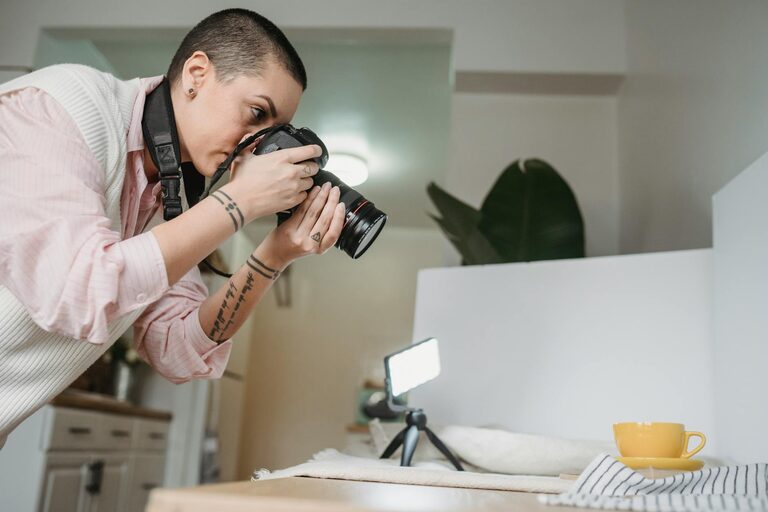
Taking great photos with your phone is easier than ever, thanks to the advanced cameras built into most smartphones today. Whether you want to capture memorable moments, create social media content, or simply explore a new hobby, improving your phone photography skills can make a big difference. This post covers beginner-friendly tips to help you take better phone photos, offering practical advice that anyone can apply.
Understand Your Phone Camera
Before diving into techniques, spend some time exploring your phone’s camera features. Most phones offer different shooting modes like portrait, panorama, and night mode. Look into settings such as HDR (High Dynamic Range) and gridlines, which can help with composition.
– Check the resolution: Use the highest photo resolution available for the best quality.
– Enable gridlines: Gridlines divide your screen into thirds, aiding in composition by following the “rule of thirds.”
– Try manual controls: Some phones let you adjust focus, exposure, and white balance manually; this can help in tricky lighting.
Focus on Lighting
Lighting is the most crucial element in photography. Your phone camera relies heavily on good lighting to capture clear, vibrant images.
Use Natural Light Whenever Possible
Natural daylight produces more natural-looking colors and balanced exposure.
– Avoid harsh midday sun as it can cause strong shadows.
– Look for soft, diffused light during early morning or late afternoon (golden hour).
– If indoors, position your subject near a window with indirect light.
Avoid Using the Flash
Phone flashes can produce harsh, unnatural light, causing overexposed areas or red eyes.
– Instead, try to increase ambient light or use editing apps to brighten photos later.
Experiment With Backlighting and Silhouettes
Position your subject between the camera and the light source to create creative silhouettes or highlight outlines.
Compose Your Shots Thoughtfully
Good composition turns ordinary photos into compelling images.
Use the Rule of Thirds
Imagine dividing your screen into nine equal parts by two equally spaced horizontal and vertical lines. Place important elements along these lines or intersections for balance.
Keep Your Subject Clear
Avoid cluttered backgrounds that distract from your main subject. Look for simple, clean backgrounds or use portrait mode to blur the background.
Watch Your Angles
Don’t just shoot from eye level. Try different perspectives:
– Get low to add drama or make subjects appear larger.
– Shoot from above for flat lays or creative views.
– Move around your subject to find the most interesting angle.
Fill the Frame
Get closer or zoom in (optically if possible) to reduce empty space and bring focus to your subject.
Stabilize Your Phone
Blurry images often result from shaky hands.
– Hold your phone with both hands for better stability.
– Lean against a solid support or rest your phone on a surface.
– Use a tripod or phone stand for long exposures or night shots.
Use Phone Camera Modes and Features
Modern phones offer modes that help beginners capture better photos.
– Portrait mode: Creates a blurred background effect (bokeh), great for portraits.
– Night mode: Uses longer exposure and computational photography to brighten dark scenes.
– Panorama: Captures wide landscapes by stitching multiple images.
– HDR: Combines multiple exposures for balanced light and shadow.
Experiment with these modes to understand when each works best.
Edit Your Photos
Even a little editing can transform your photos.
– Use built-in phone editors or free apps like Snapseed, VSCO, or Lightroom Mobile.
– Adjust brightness, contrast, and saturation subtly.
– Crop to improve framing or remove distractions.
– Avoid over-editing which can make images look unnatural.
Practice Regularly and Learn From Others
The best way to improve is by taking photos often.
– Challenge yourself with different subjects like people, nature, food, or urban scenes.
– Study photos you admire and try to replicate some techniques.
– Join online communities or social media groups focused on mobile photography.
Summary: Key Tips for Better Phone Photos
- Explore your phone’s camera settings and modes.
- Use natural light and avoid the flash.
- Apply the rule of thirds for balanced composition.
- Experiment with angles and perspectives.
- Keep your phone steady to avoid blur.
- Use editing to enhance without overdoing it.
- Practice consistently to develop your style.
By paying attention to these basic principles, you’ll quickly notice improvement in the quality of your phone photos. Happy shooting!